Getting started

Adding “Jump to Recipe” and “Print Recipe” Buttons

Are you adding recipes using Elementor?
Please see the instructions from this article instead. The steps below work only if you’re using the block editor.


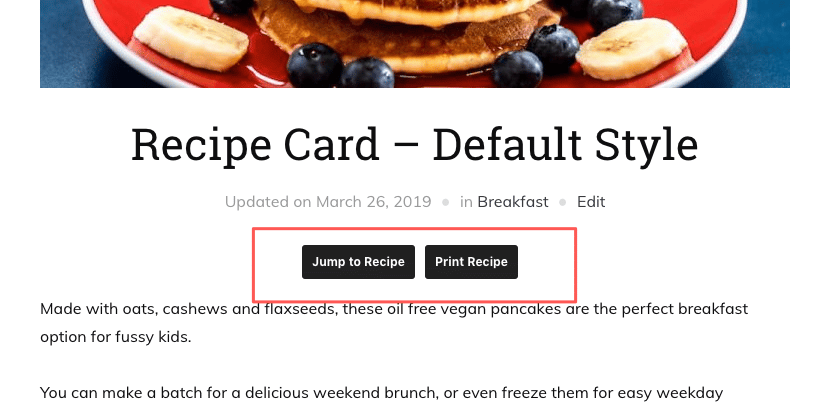
In posts and pages created using the block editor (Gutenberg), you can automatically display “Jump to Recipe” buttons at the top of all posts that include a recipe block:

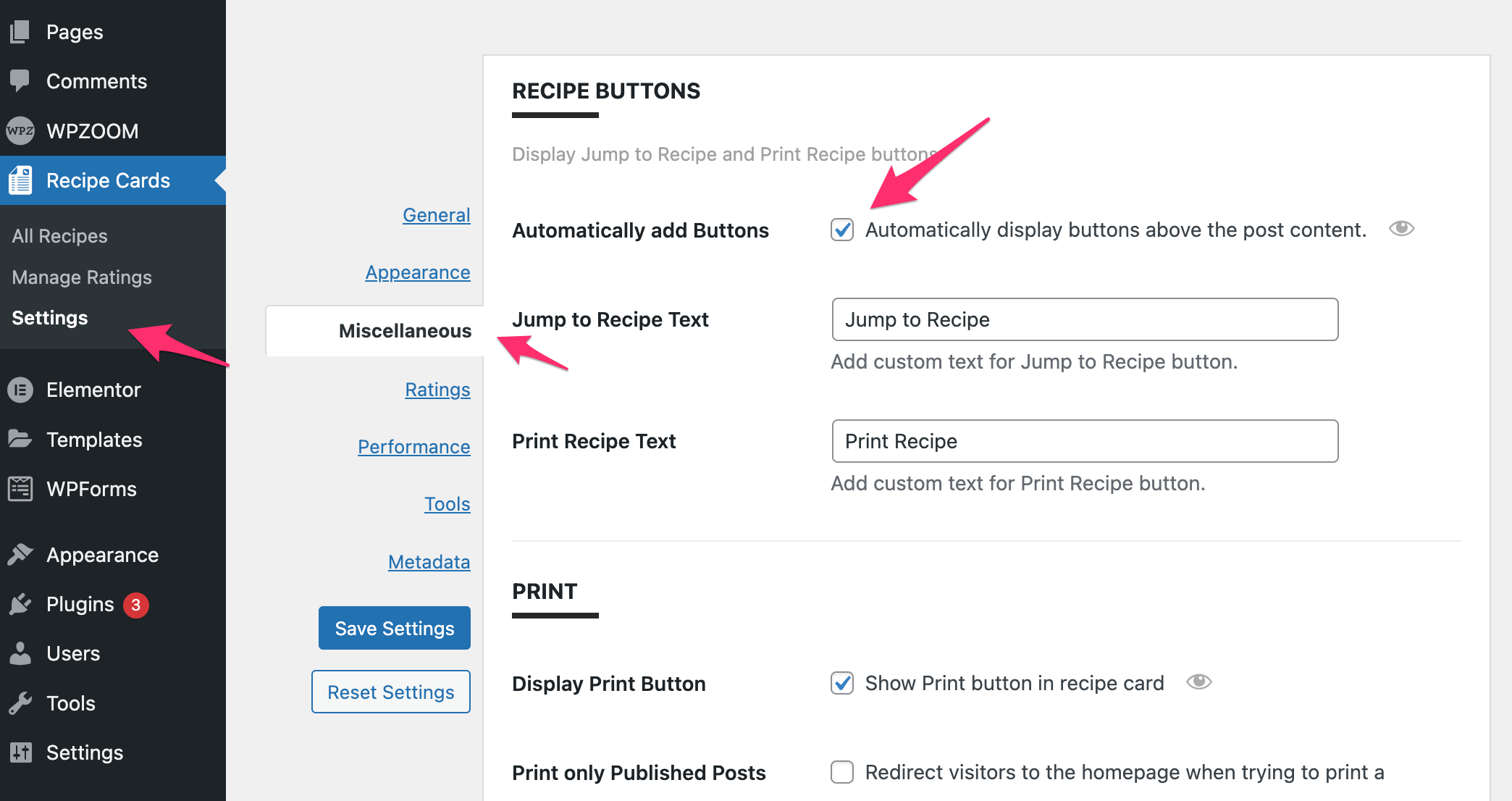
Just go to the plugin’s Settings page and enable the option to Automatically add Buttons in the Miscellaneous tab:

Please remember that the buttons will appear only if the Recipe Card Block is included in the post.

You can also manually add the Jump to Recipe or Print Recipe buttons anywhere you want in a post or page using the blocks with the same name in the block editor:


Using Elementor? Please see this article for instructions to add Jump to Recipe buttons when adding recipes using Elementor.

Last updated on April 8, 2025