After installing and activating the plugin, we recommend you to activate your license key in the Recipe Card page to get updates in the future.
You can find and copy your license key on this page.
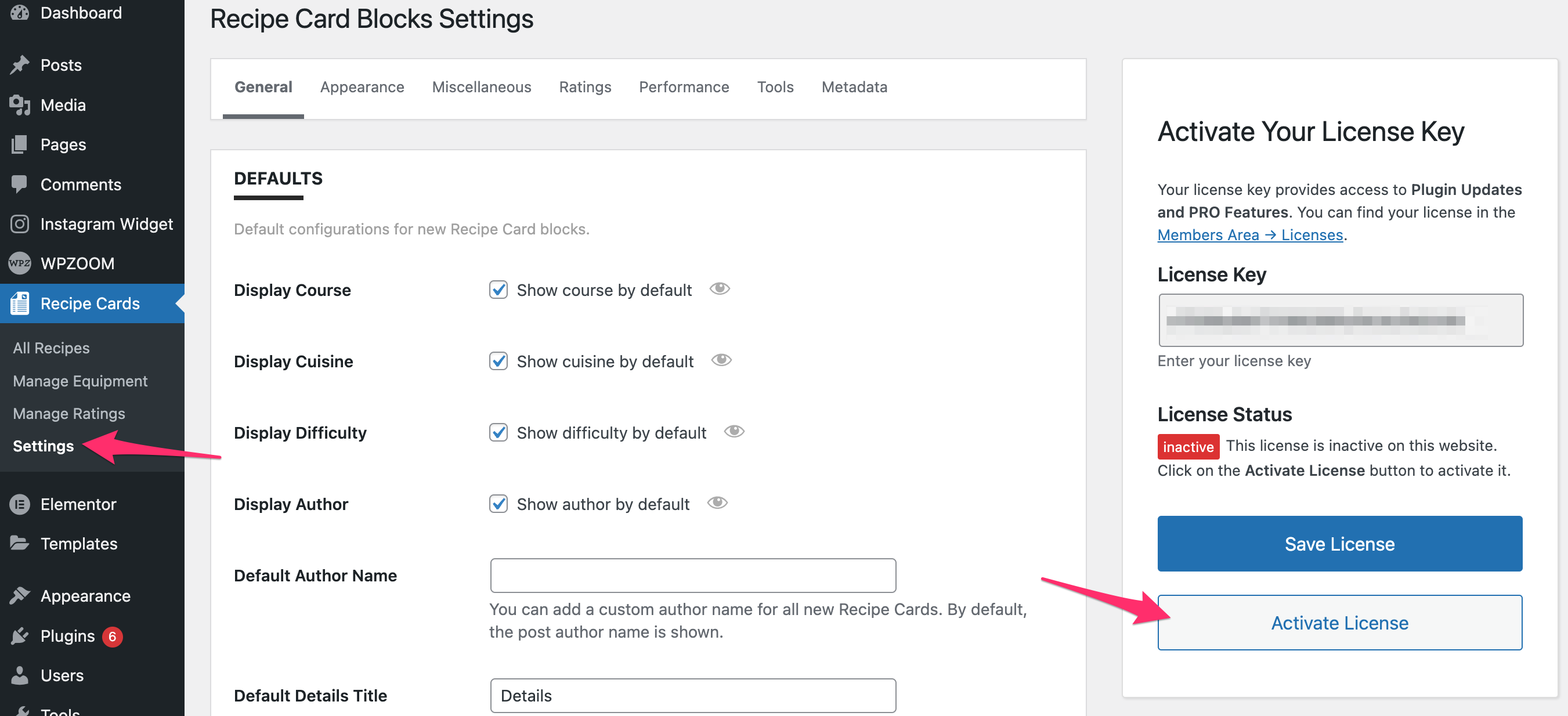
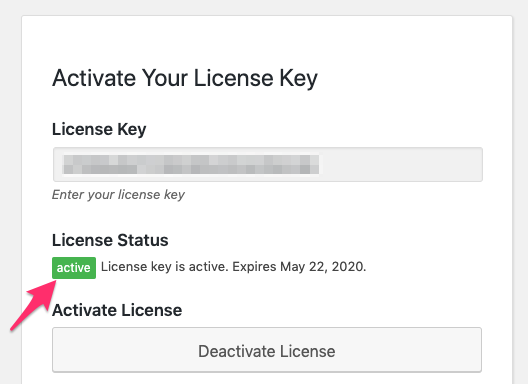
After saving the license key in the settings page, make sure to click on the Activate License button to get the green active status.
 Current version: 5.5.3