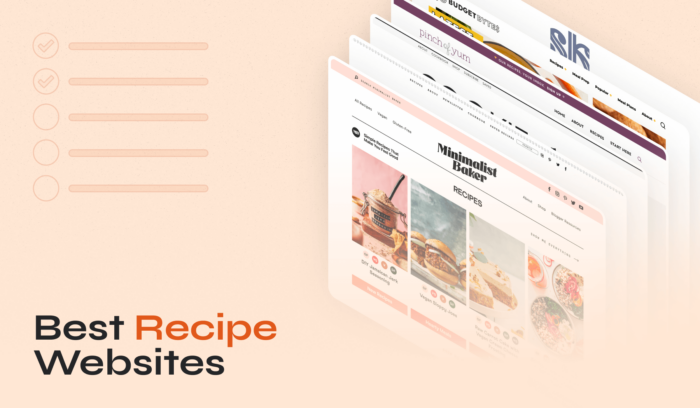
20 Best Recipe Sites for Food Lovers
Ready to transform your kitchen into the heart of your home? Our handpicked list of the best recipe websites will guide you every step of the way. Whether you aim […]
Read More →Easily create and share mouthwatering recipes with Recipe Card Blocks PRO. With its sleek design and intuitive features, it's never been easier to create recipes on your website.


Cut the carrots into small cubes
Unlock premium features and extend the functionalities & look of your food blog.
Get more visitors, better search rankings, and more social shares with Recipe Card Blocks - the best WordPress recipe plugin!
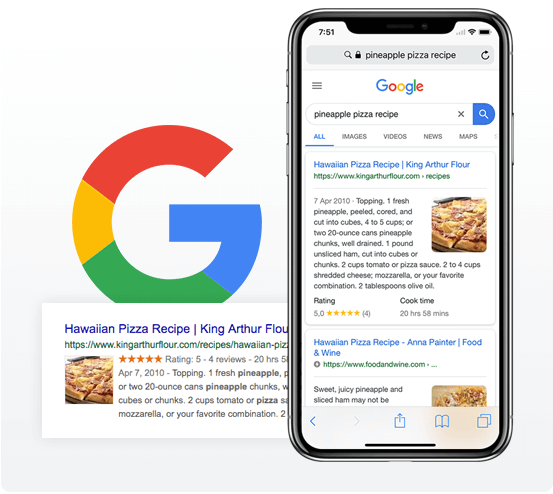
Your delicious recipes will include Schema markup, which lets search engines and social networks display information about your tasty recipes. This will increase clicks and shareability, giving you an easy way to grow your food blog.
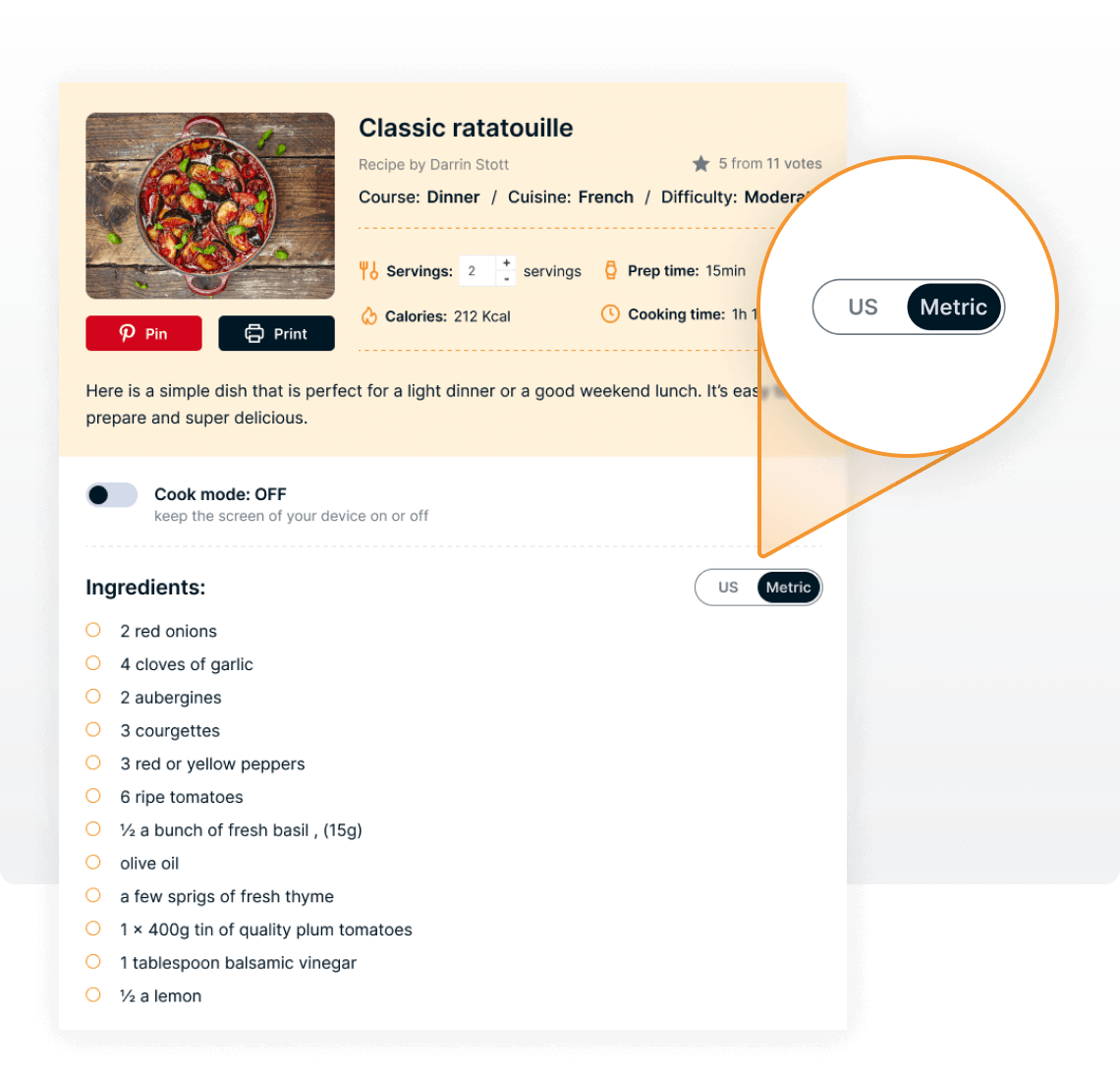
The conversion info is a must-have for any kitchen enthusiast. Let your readers convert recipes between US Customary and Metric units. Our recipe plugin for WordPress integrates an API that will automatically calculate for you the needed values.
Choose your favorite Recipe Card style! No more boring and outdated designs that can turn your readers away.
Recipe Card Blocks includes 5 modern styles, with more coming in future updates.
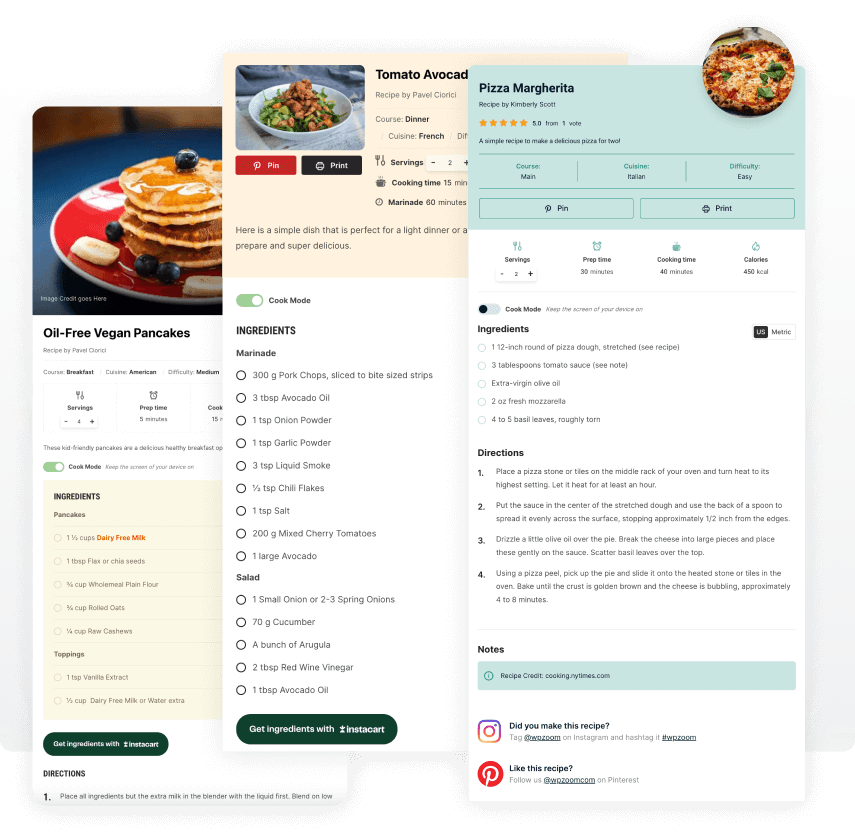
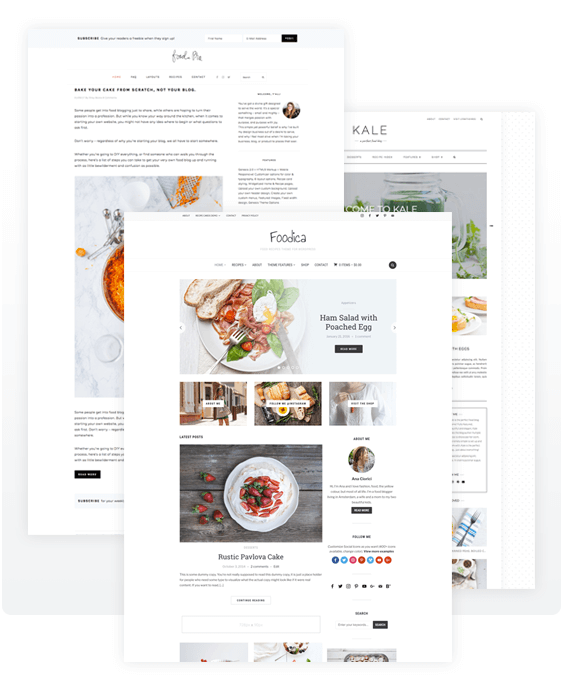
When publishing recipes, they will be displayed perfectly, regardless of which WordPress theme you use. And with the PRO version of our recipe card plugin, you’ll be able to customize the colors to match your current theme or brand.
Need a new theme? Check out our themes Gourmand, Foodica and Cookely.
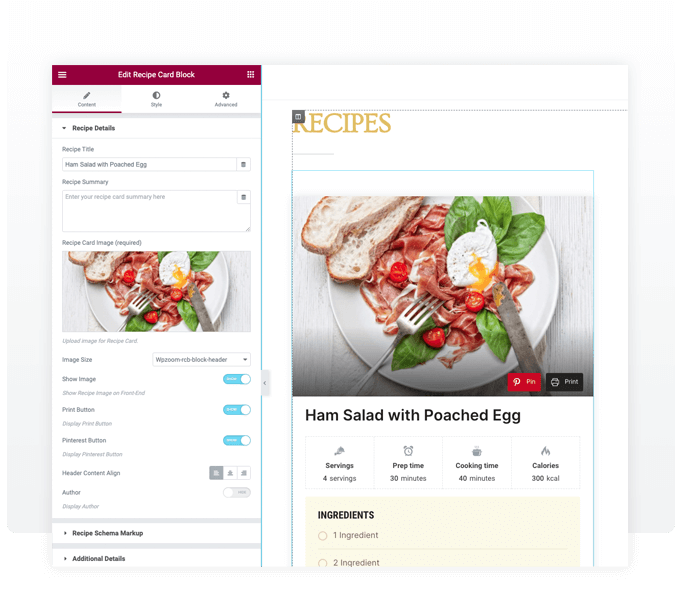
The Recipe Card widget for Elementor offers a simple way to add recipes anywhere you want on your website. This widget is designed to be highly customizable, so you can make it look exactly how you want it.
Sheer onions
into thin layers


We started using this plugin when we created our website 3 months ago. I can tell you in such a short time, I have seen MAJOR improvements.

Very helpful, does all the Schema.org markup without coding. No more mistakes in my Google Search Console. Very easy to use and works great with my theme.

I’ve used the free version of Recipe Card Blocks for about two years and ABSOLUTELY LOVE IT. Simple, easy to use, and just the right amount of flexibility and options without being overwhelming. I love that you enter your ingredients, steps, etc directly into a live preview block making the process more intuitive and allowing for a better work flow.
Recently, I upgraded to the Pro version as I was ready for some additional features. When deciding between this and another popular plugin, I ultimately decided on Recipe Card Blocks. Though the other plugin had one feature I really wanted, I was familiar with WPZoom’s customer service (I also use their Cookely theme) and decided this was the better choice because the customer service has always been amazing! No hassles, no back and forth with useless people who don’t understand. They reply quickly and solve your problem! And when you’re working in this “bubble” of food blogging, quick and helpful customer service makes a huge difference!!
Ready to transform your kitchen into the heart of your home? Our handpicked list of the best recipe websites will guide you every step of the way. Whether you aim […]
Read More →
With the right recipe plugins, presenting recipes in an attractive, user-friendly format becomes effortless, encouraging more interaction from your audience. These plugins simplify recipe addition and optimize your content for […]
Read More →Join 20.000 subscribers. Get our latest news & releases delivered to your inbox.
Start publishing your delicious recipes
to your site today.
 Current version: 5.5.3