
Recipes created using Recipe Card Block can be inserted anywhere you want.
No matter what page builder or editor you use, copy the shortcode of a recipe and insert it easily in the content of a post or a page.
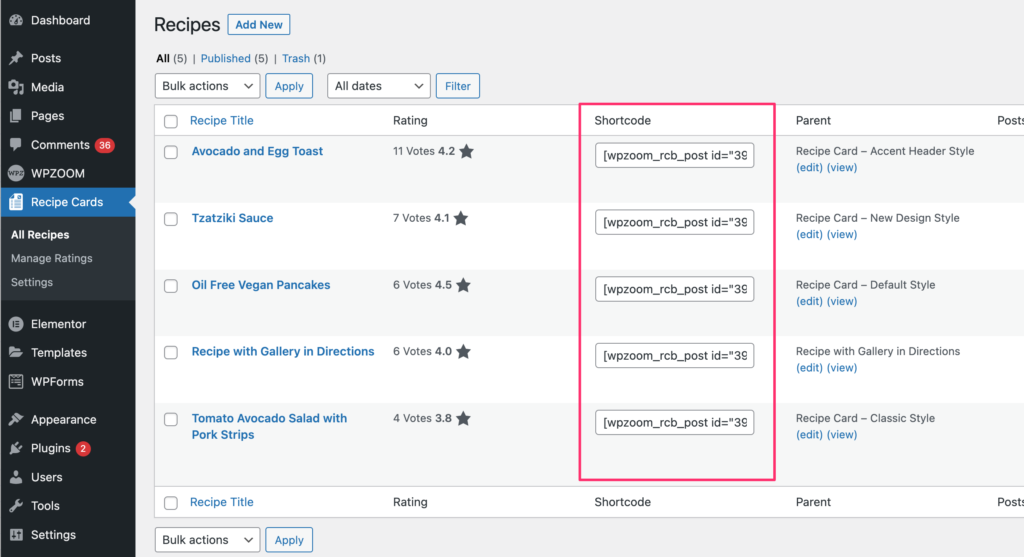
Of course, if you’re using Gutenberg or Elementor, it probably makes more sense to use the dedicated block and widget created for these editors.
Otherwise, you can insert a recipe using the recipe shortcode in other page builders such as Divi, Visual Composer, or Beaver Builder.
The shortcode also helps adding recipes in posts or pages which use the Classic Editor.